


When your laptop keys become unresponsive, skipping, or stuck, it can feel like your productivity has reached its limits. Considering this, you would probably prefer a professional laptop computer keyboard replacement. But before making any appointments, try this solution such as a simple do-it-yourself laptop repair.
As you can see, one of the common reasons for keyboard replacement may be due to wear and tear from regular use, damage from spills, or non-responsive or missing keys. Meanwhile, MacBook keyboard replacements are also particularly common because these problems can occur with even high-end machines.
A Comprehensive Guide to Keyboard Replacement:
- Disconnect all power sources and power down your laptop.
- Assemble necessary tools such as a small screwdriver, a clean workstation, and an appropriate replacement keyboard.
- Remove the screws which are frequently located on the bottom or beneath the battery, and then gently pry the keyboard free.
- Carefully disconnect the ribbon cable that attaches the keyboard to the motherboard.
- After aligning and connecting your new keyboard, reattach the ribbon cable and secure it with screws.
- Before reassembling everything back together, turn on your laptop and test each key to make sure it works properly.
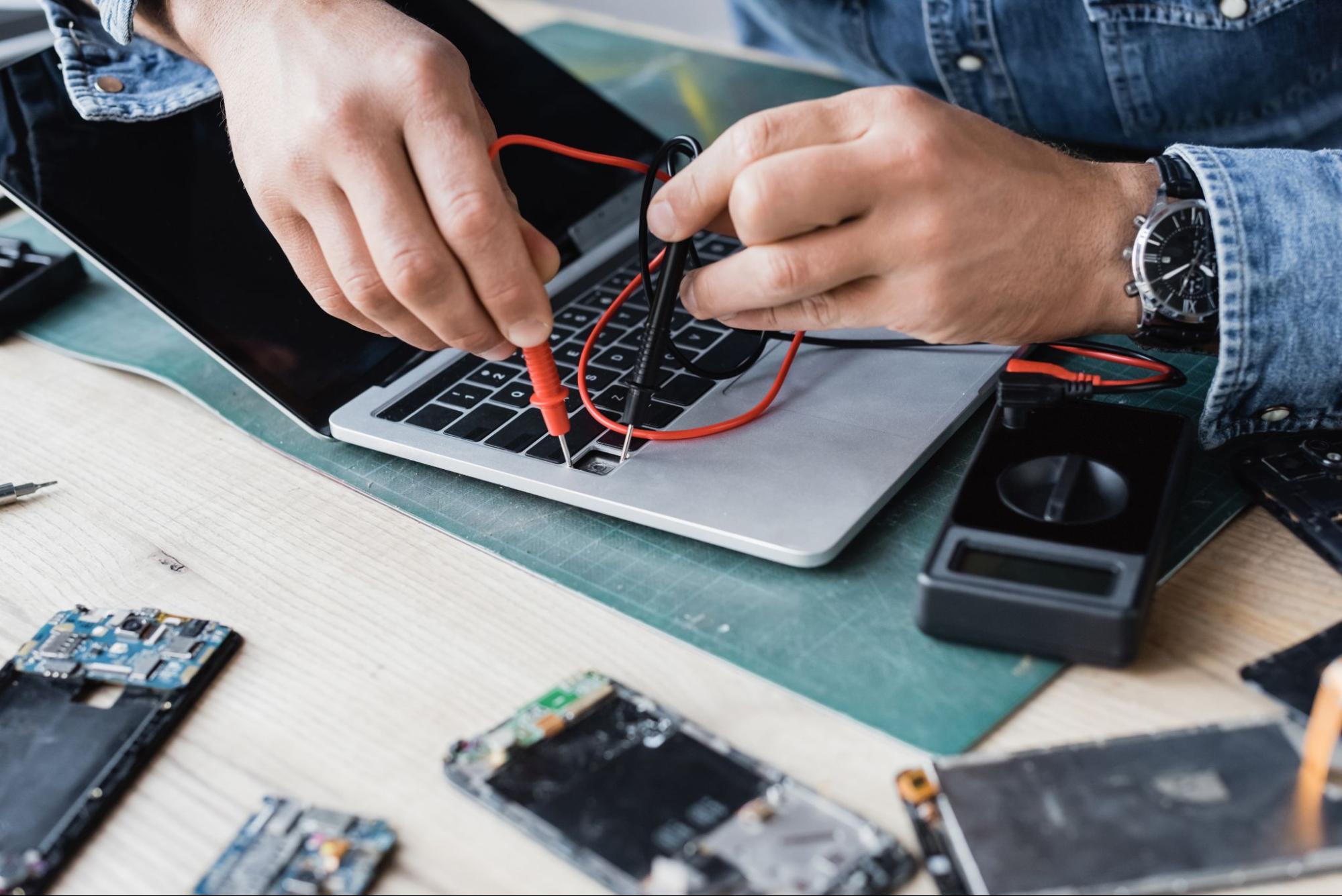
If you’re experiencing any of these issues, then it’s the right time to reconsider seeking a professional MacBook battery replacement in Singapore. Visit the Chan Repair Specialist website or contact us to schedule an appointment. Our experienced team will provide the best service and ensure your device receives quality care for optimal performance.