


The demand for laptop keyboard replacement and laptop screen repair in Singapore is on the rise. Identifying the solutions to prolong your device’s lifespan will help avoid any unforeseen costly repairs. However, with a few simple tips and proper maintenance, you can extend your laptop’s lifespan and keep it in the best condition.
1, Keep It Clean
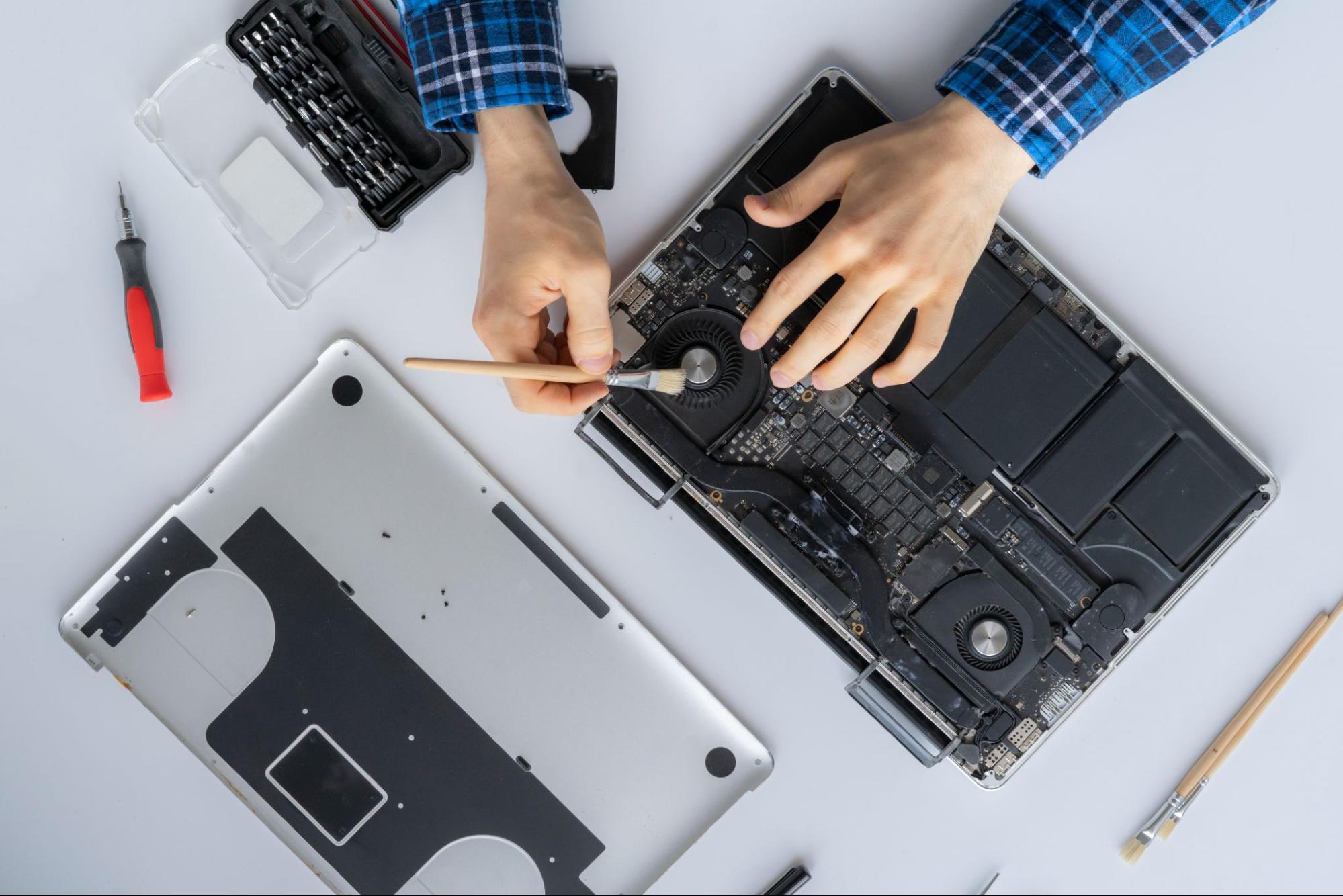
Keeping your laptop clean from dust or crumbs can prevent internal damages. By regularly wipe down the exterior with a microfiber cloth and use compressed air to clean the keyboard and vents. For additional airflow, consider utilizing a cooling pad to avoid being overheated.
2. Monitor Your Battery and Charger
For the best battery performance, don’t leave your laptop plugged in even if it’s fully charged. Instead, keep the battery charge between 20% and 80% to prevent premature wear. In fact, it’s best to use the original charger to avoid damaging the battery or the motherboard.
3. Treat Screen Gently
Laptop screens are very fragile and can easily be damaged by pressure or drops. To stop any further damage, seek professional laptop screen repair in Singapore as soon as you notice any flickering, cracking, or display problems.
4. Protect Keyboard Usage
Similarly, unresponsive or sticky keys should not be overlooked. Hence, seeking laptop keyboard replacement ensures that genuine parts are used and the repair is done correctly to prevent other serious issues later on.
5. Regular Software Maintenance
Update your antivirus program, drivers, and operating system. This will help prevent data loss and speed problems by uninstalling unnecessary apps, and backup your data.
With this in mind, you can prevent needless excursions to even the best laptop repair shop in Singapore by regularly cleaning your device, managing its battery health, and addressing small problems such as laptop screen repair or keyboard replacement as soon as they arise. If you ever need any assistance, contact us at Chan Repair Specialist for your laptop screen repair or keyboard replacement today!